

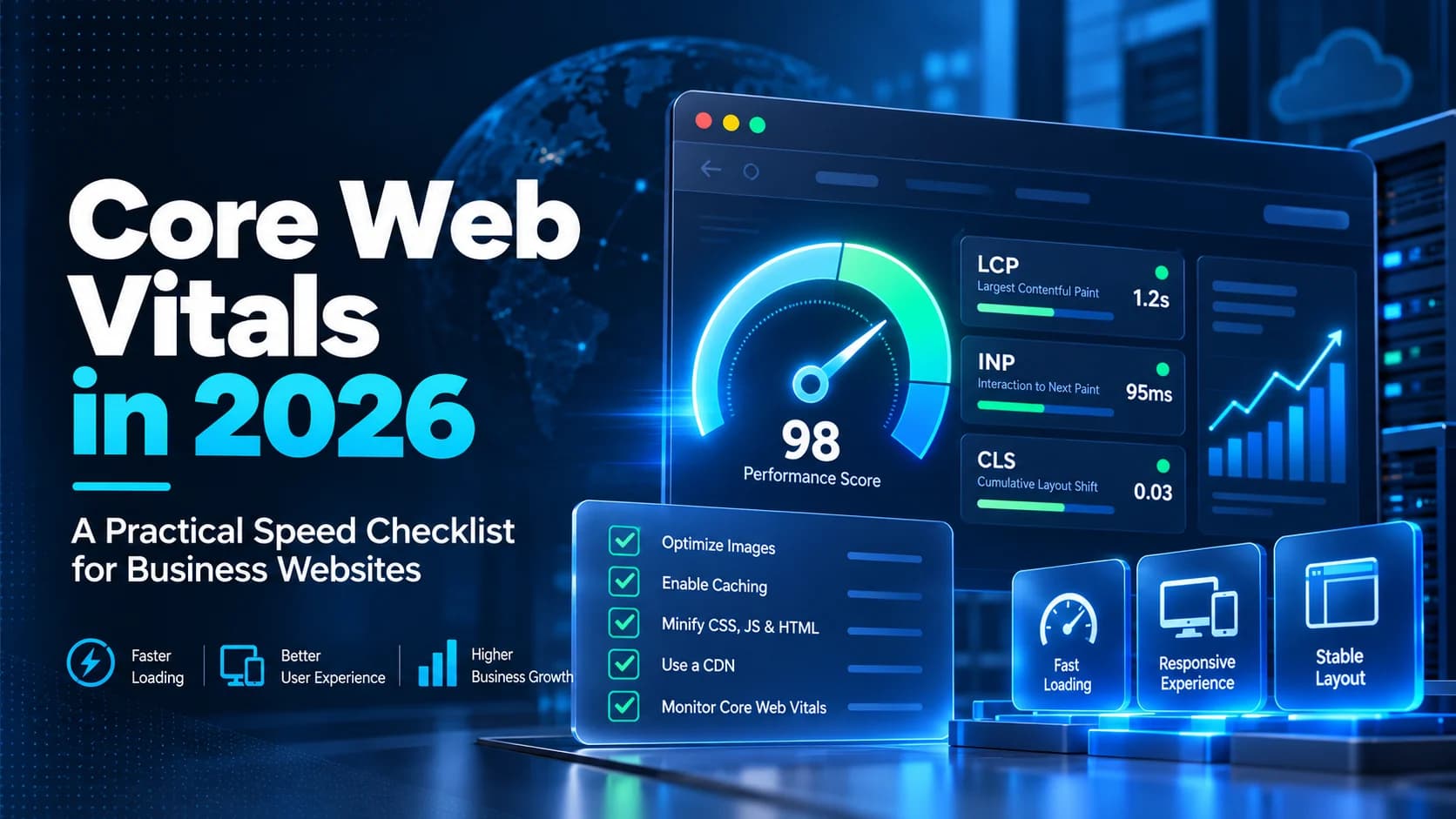
Does your website look finished but still feel slow? A visitor may wait for the main image, tap a menu that does not respond immediately, or accidentally select the wrong button when the layout jumps. These problems are frustrating, especially when customers are trying to request a quote or complete a purchase. Core Web Vitals optimization gives businesses a measurable way to investigate them.
This 2026 guide explains the three Core Web Vitals, how to check them without technical expertise, and which improvements to discuss with your developer or hosting provider. You do not need to chase a perfect score. You need pages that work reliably for real customers.
What Are Core Web Vitals?
Core Web Vitals are Google's metrics for important parts of page experience: loading, responsiveness, and visual stability. The current three metrics are Largest Contentful Paint (LCP), Interaction to Next Paint (INP), and Cumulative Layout Shift (CLS). Google documents these alongside other search-related page experience considerations in its Core Web Vitals guidance.
Largest Contentful Paint (LCP): When Does the Main Content Appear?
LCP measures when the largest visible image or text block is rendered in the viewport. On a typical business homepage, this might be a hero image or prominent heading. A good LCP is 2.5 seconds or less at the 75th percentile of visits. If the main content arrives late, customers may assume the entire site is slow.
Interaction to Next Paint (INP): Does the Page Respond?
INP evaluates responsiveness to interactions such as taps, clicks, and keyboard input over a visit. A good INP is 200 milliseconds or less. A page can appear quickly yet still feel broken when a menu or form takes too long to react. INP replaced First Input Delay as a Core Web Vital in 2024; old recommendations focused only on FID are no longer sufficient.
Cumulative Layout Shift (CLS): Does Content Jump Around?
CLS measures unexpected visual movement. A good CLS is 0.1 or less. An image that loads without reserved space can push a button downward, causing a customer to tap somewhere unintended. Unlike LCP and INP, CLS is a unitless score, not a time measurement.
Google evaluates these thresholds at the 75th percentile of page visits, separately for mobile and desktop. The thresholds and assessment method are explained in the PageSpeed Insights documentation.
How to Check Your Website's Core Web Vitals
Step 1: Test Important Customer Pages
Visit PageSpeed Insights and enter a public URL. Start with your homepage, a main service or product page, and a page containing the form or checkout that matters most. Test the exact URLs rather than assuming a good homepage represents the whole website.
Step 2: Compare Mobile and Desktop
Check both device views. Mobile performance may differ because of network conditions, smaller devices, heavy graphics, and script execution. Record LCP, INP, and CLS where available, plus the report date and affected URL, so later checks are meaningful.
Step 3: Distinguish Real-User and Lab Data
PageSpeed Insights provides field data from the Chrome User Experience Report (CrUX) when enough eligible real-user data exists. Its field report covers a rolling 28-day period. It also offers lab diagnostics powered by Lighthouse, which help diagnose possible causes under simulated conditions.
These measurements answer different questions. Field data reflects what sampled customers experienced; lab tests help find what to fix. A page can have a strong Lighthouse score but disappointing field metrics, or vice versa. If a page lacks enough real-user samples, the report may show origin-level results or no field data. Missing INP is not proof that all interactions are fast.
Practical Fixes for a Slow LCP
Use Appropriately Sized Images
Oversized hero banners are a common place to investigate. Ask your developer to serve images matched to their displayed size, use efficient formats such as WebP or AVIF where suitable, and supply responsive image variants. Preserve reasonable visual quality: blurry product images can undermine the purpose of the page.
Prioritize Above-the-Fold Content
Lazy loading can help offscreen media but should not indiscriminately delay the image that forms your LCP element. Have the development team inspect the LCP resource, discoverability, and fetch priority. Avoid placing unnecessary sliders, videos, and decorative effects ahead of the main customer message.
Check Server and Hosting Delays
If the browser waits a long time for the initial document, image tweaks alone may not solve the problem. Review caching, server response time, database queries, CDN configuration, and geographic delivery. A performance investigation should separate hosting issues from frontend issues rather than upgrading a plan blindly.
Practical Fixes for a Slow INP
Heavy JavaScript, long-running tasks, and expensive rendering can delay the visual response after a customer interacts with a page. Google's INP optimization guide describes how input delay, event processing, and presentation delay contribute to the metric.
Audit Third-Party Scripts
Analytics, chat widgets, advertising tags, review apps, and marketing pop-ups can introduce additional work. Identify which are essential, remove duplicate integrations, and load noncritical features at more appropriate times. Do not disable measurement or customer support tools without assessing the business consequences.
Make Interactions Lightweight
Ask developers to break up long tasks, minimize unnecessary rerenders, and give immediate visible feedback after an action. Test opening mobile menus, switching product variants, submitting forms, and adding items to a cart. A fast initial load is not a substitute for a responsive customer journey.
Practical Fixes for Layout Shift
Unexpected movement often originates from images without defined dimensions, late-loading advertisements or embeds, dynamically inserted banners, or font changes. These are among the causes in Google's CLS optimization guidance.
Reserve Space Before Media Loads
Images, iframes, and video embeds should normally have explicit dimensions or aspect ratios so the browser can allocate space. Reserve a predictable area for content that arrives later, such as a promotional block. Verify that these reservations still look natural on smaller screens.
Review Fonts, Notices, and Pop-Ups
Check whether a replacement font changes headline wrapping and pushes surrounding content. Ensure cookie notices, announcement bars, and sticky elements do not unexpectedly displace content. Test while scrolling and interacting, because shifts may happen well after the first screen appears.
A Simple Website Speed Improvement Plan
Business owners do not need to personally edit JavaScript to manage performance. A straightforward review process is enough to make the project accountable:
- Choose priority pages: Select the landing pages, product pages, forms, and checkout steps that matter most to customers.
- Capture a baseline: Save mobile and desktop results, note which are field measurements, and document customer-visible problems.
- Find the largest bottleneck: Determine whether the priority is a delayed main image, unresponsive controls, or moving content.
- Fix one category at a time: Scope changes with your developer, protect critical features, and use a testing environment where appropriate.
- Retest real journeys: Use several lab runs, then watch field measurements over subsequent weeks rather than expecting rolling 28-day data to change overnight.
- Monitor after launches: New campaigns, plugins, product photography, and tracking scripts may reintroduce regressions.
A sensible priority is the change that helps the most important pages and customers, not necessarily the item promising the largest synthetic score increase.
Do Better Core Web Vitals Guarantee Higher Google Rankings?
No. Core Web Vitals contribute to the broader page-experience picture, but improving them does not guarantee a ranking increase or a specific conversion uplift. Search relevance, useful content, technical accessibility, and many other factors still matter. Performance work has independent value: it makes core journeys easier to complete even if search visibility does not move immediately.
Likewise, a passing Core Web Vitals assessment does not automatically mean your contact form works, your products are easy to compare, or your information is clear. Test the complete experience. For a wider explanation of business-focused website planning, read our published article Custom Website Development: Why Your Business Needs More Than a Basic Website.
Questions to Ask Your Website Developer
- Which URLs and device types have the weakest real-user experience?
- Is the main issue LCP, INP, or CLS, and what evidence identifies the cause?
- Which third-party tools or image assets contribute most to delays?
- How will changes be tested against working forms, checkout, and tracking?
- Who will review performance after future content and plugin updates?
For a broader operational perspective, our SSL certificate renewal guide explains another important part of keeping a business website dependable: making sure HTTPS certificates renew successfully.
When to Get Professional Help
If critical pages repeatedly fail performance targets, scripts conflict, or the underlying architecture limits improvements, request a focused technical audit before commissioning a complete redesign. DesDevSol's Performance Optimization solution is a relevant starting point for discussing your website's bottlenecks and priorities.
Final Thoughts
Core Web Vitals turn vague complaints about a slow website into practical questions. Is the main content late? Do interactions lag? Does the layout jump? Measure those issues on your most important mobile and desktop pages, fix the verified causes, and recheck how real visitors experience the result. Consistent, evidence-led improvement is more valuable than a one-time perfect report.