

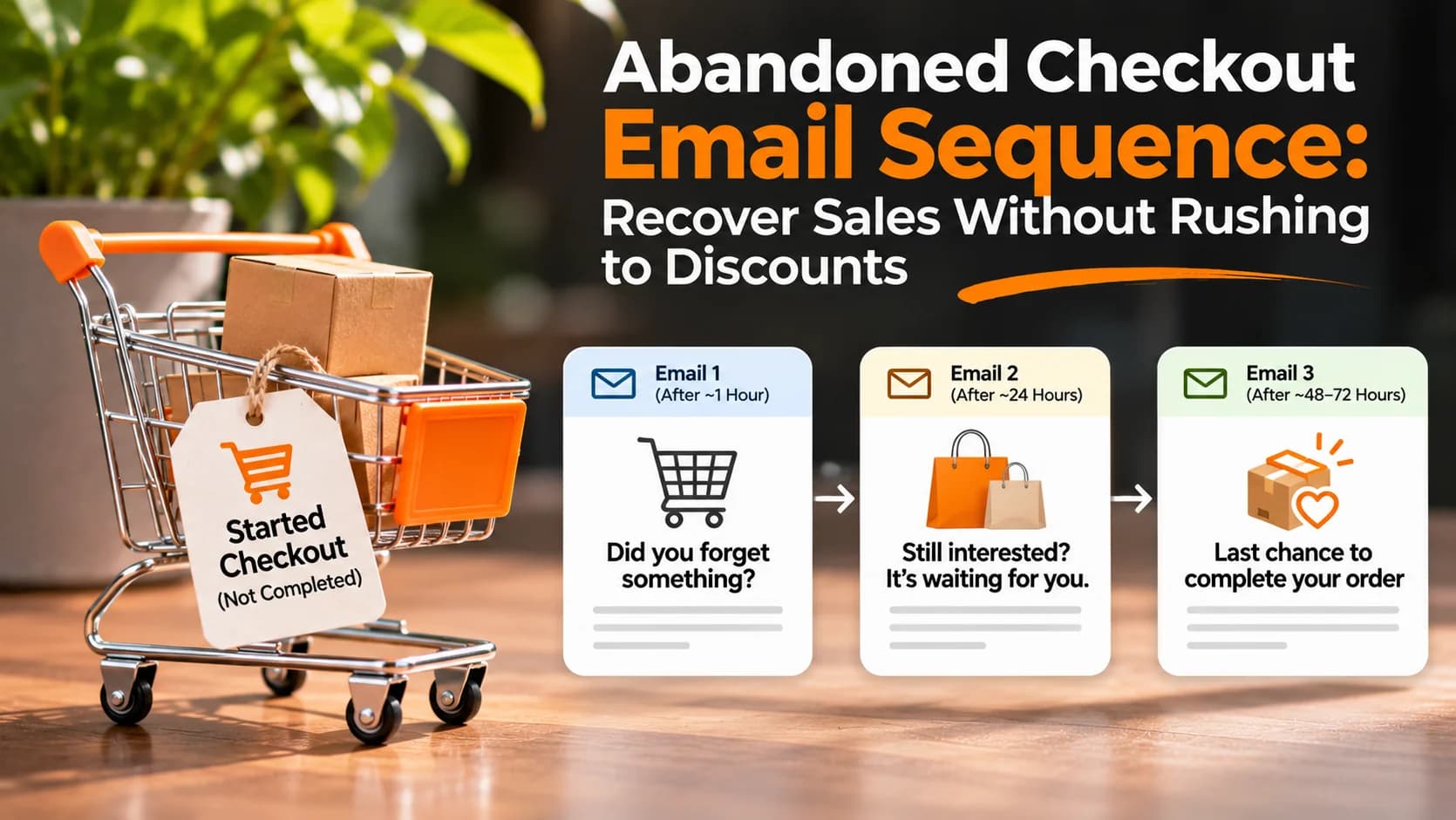
Abandoned checkout emails can remind interested shoppers to finish an order, but sending a discount immediately is not always the right answer. A useful abandoned checkout email sequence first removes confusion, then offers help, and only considers an incentive when it makes commercial sense.
Know which checkout you are recovering
A shopper who merely viewed a product, one who added it to a cart, and one who entered checkout have taken different steps. Your store may track these as separate events. Start with people who began checkout but did not place an order, because you can usually link them back to the exact items they selected. Ensure your system has a permitted contact method before sending anything.
For example, Shopify's current abandoned checkout automation documentation describes a workflow managed through Shopify Messaging, with configurable recipients and timing. The feature's availability and defaults depend on your store's configuration and sales channel; do not assume every abandoned cart can be emailed.
Fix the reason people leave before writing more reminders
Review the checkout itself on mobile and desktop. Are shipping charges visible early? Are delivery estimates understandable? Can customers find the return policy, correct a mistaken address, and use a supported payment method? A reminder cannot repair a payment error or an unavailable delivery destination.
Check abandoned checkout records for recurring payment failures, unavailable inventory, or unsupported shipping addresses. Avoid treating every incomplete checkout as a request for a coupon. If customers repeatedly report one obstacle, prioritize fixing that obstacle rather than increasing email frequency.
Build a short abandoned checkout email sequence
First email: a simple reminder
After an appropriate delay, show the items left behind, a recognizable sender, and one clear button to resume checkout. Keep the message friendly: “Still considering these items? Your checkout is ready when you are.” Do not claim stock is running out unless that is genuinely true. Include a way to contact support if the customer had trouble paying.
Second email: answer a likely question
If the customer has not purchased, a later message can explain delivery expectations, returns, product fit or payment options. Link to the relevant policy rather than hiding conditions in tiny print. For a product with complex sizing, a clear fit guide may be more useful than a discount.
Optional final email: help or a carefully limited offer
Only add a third message when results justify it. If you offer a promotion, confirm its expiry, eligibility and margin before sending. A genuine customer-support invitation is another option. Avoid manufacturing urgency or repeatedly discounting items that customers would have purchased at full price.
Klaviyo's abandoned cart flow guide, updated October 7, 2026, describes separate cart and checkout triggers, purchase filters, timing tests and avoiding coupons in the first email. Treat its timing recommendations as starting points to test, not universal rules.
Set rules that stop unwanted messages
The most important automation is often the one that prevents a message. Stop the sequence as soon as an order is completed, even if the purchase happened through a different visit. Recheck purchase status before every send. Suppress recent recipients to avoid repeated reminders, and prevent a shopper from receiving overlapping cart and checkout flows.
Respect applicable consent, privacy and email-marketing requirements. Do not assume that collecting an email address at checkout automatically authorizes every kind of promotional follow-up. Keep unsubscribe and suppression handling reliable, and never share an individual's recovery link publicly.
Test the whole journey before switching the sequence on
Create a test checkout using an address you control, leave without purchasing, and confirm that the reminder reaches the correct inbox with the right product and a working return link. Then complete a test order and verify that all remaining reminders stop. Repeat the test for sold-out items, invalid links and checkout changes.
If you use both a platform's built-in reminders and a separate marketing service, check whether both are enabled. Duplicate emails can make the experience feel pushy. Also verify that your sender domain is authenticated and your messages display clearly on mobile devices.
Measure completed orders, not just email opens
Track how many eligible checkout starts enter the sequence, how many messages are delivered, how many shoppers return, and how many actually place orders. Compare results over similar periods and segments. Account for people who would have returned without a reminder, and check whether discounts reduce the profit on recovered orders.
Change one variable at a time: the initial delay, message content, number of reminders, or incentive. Watch complaints and unsubscribes alongside sales. A smaller, helpful sequence can be preferable to one that creates more clicks but frustrates customers.
Keep the recovery experience helpful
Start with a clear checkout, then use one concise reminder and a carefully chosen follow-up. A customer who still has questions should find an answer or a real person—not an endless sequence of offers. For help connecting store operations and customer journeys, explore DesDevSol's online sales growth solutions.