

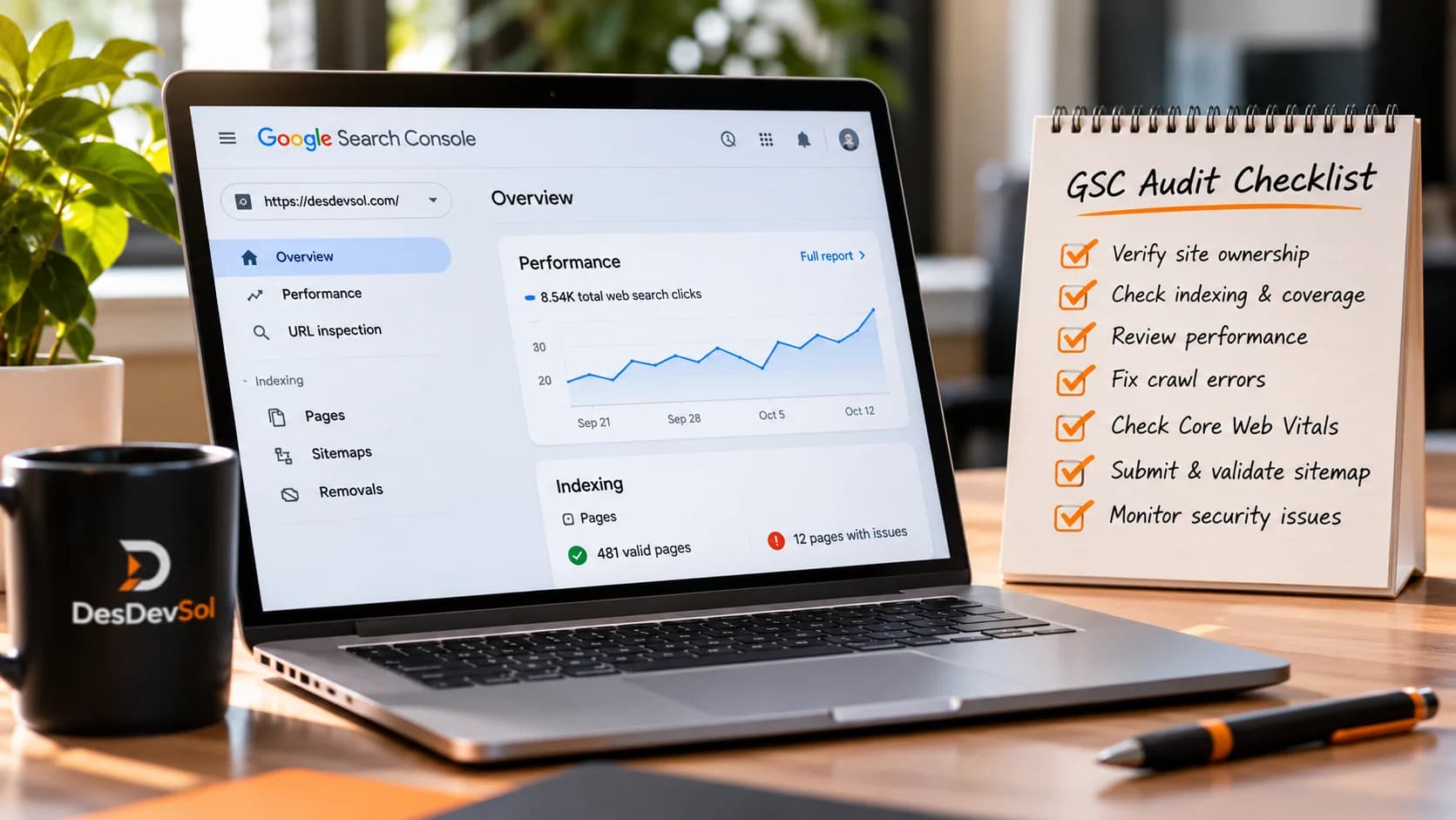
Most small businesses do not need a complicated SEO dashboard to spot their next useful improvement. They need a repeatable way to answer three questions: Can search engines find our important pages? Are the right people discovering them? And are those visitors reaching a useful next step?
This Google Search Console audit checklist walks through a practical monthly review. It is designed for business owners and marketing teams, not only technical SEO specialists. You will leave with a short prioritized action list instead of a collection of unexplained metrics.
Before you start: choose the pages that matter
Open your verified Search Console property and make a list of five to ten priority URLs: your homepage, primary service or product pages, key location pages where relevant, and a few useful guides. Include the pages most likely to generate qualified inquiries or purchases. Search Console reports organic Google Search visibility; they do not, by themselves, tell you how many visitors became leads or customers.
For a fair comparison, select a recent completed 28-day period and compare it with the preceding 28 days. Where seasonality is significant, also compare with the equivalent period a year earlier. Avoid drawing conclusions from the newest preliminary data or a single unusual day.
1. Read the Performance report without chasing vanity metrics
In Performance > Search results, review total clicks, impressions, click-through rate (CTR), and average position. Clicks indicate visits from eligible Google Search results; impressions reflect appearances in results; CTR is clicks divided by impressions. Average position is an aggregate that can shift as the mix of queries changes. Google's Performance report documentation explains how these metrics and dimensions are calculated.
Do not treat every increase in impressions as a business win or every fall in CTR as a problem. A page may start appearing for many new, less-specific queries, which can increase impressions while reducing the average CTR. First identify which pages and searches changed.
Questions to ask
- Did clicks to high-value pages rise, fall, or stay flat?
- Are the changes concentrated in one page, one query, or across the site?
- Did branded searches change differently from non-branded searches?
- Did a recent website release, content update, or seasonal event coincide with the change?
Record observations before proposing fixes. A chart alone cannot tell you why performance changed.
2. Compare pages before individual keywords
Open the Pages tab and sort by clicks or impressions. Compare periods to identify pages that lost meaningful search traffic and pages gaining exposure. Prioritize service, product, and lead-generating pages over URLs that attract unrelated curiosity.
For each page you investigate, click the URL row, then inspect the Queries tab. This isolates the searches associated with that page. A decline may reflect reduced demand for one term, a changed search result layout, competing pages, or a technical issue. The report is a diagnostic starting point, not proof of a particular cause.
Example: a service page has steady impressions but fewer clicks. Review whether its visible search result accurately communicates the offer and whether the page still addresses the questions users appear to be asking. If both clicks and impressions dropped sharply, check indexing and recent site changes before rewriting the copy.
3. Find high-impression pages with weak search-result messaging
Filter to relevant pages with meaningful impression counts, then look for low CTR relative to their own history and query mix. Avoid universal CTR benchmarks: search position, brand familiarity, result features, device, and intent all affect clicks.
Review each page's title element, meta description, visible heading, and first-screen content. Does the title explain what the page offers? Is the description accurate and useful? Does the landing page fulfill that promise? Google may generate a different title link or snippet than the text you supplied, so changes are not guaranteed to appear exactly as written.
For pages that need clearer messaging, coordinate the update with your content marketing process so the title, introduction, and page content tell the same story. Change one meaningful element at a time when practical, then monitor a suitable comparison period rather than expecting immediate movement.
4. Check whether important pages are indexed
Go to Indexing > Pages and examine the reasons URLs are not indexed. An excluded page is not automatically an error. Redirects, duplicates, deliberately removed pages, and intentionally noindexed content may be excluded for valid reasons. Focus on the priority URLs that should appear in search.
Google's Page indexing report guidance explains how to interpret indexed and non-indexed groups. For a specific page, use URL Inspection to review Google's selected canonical, last known crawl information where available, and indexing status. A live test can help diagnose current accessibility, but it does not guarantee that the page will be indexed.
If a critical URL is excluded, determine the actual reason before changing settings. Check for accidental noindex, inappropriate redirects, canonical tags pointing elsewhere, server errors, or content that is too similar to another URL. After a justified fix, request indexing if appropriate and allow time for recrawling. Repeated requests do not guarantee faster inclusion.
5. Review sitemap coverage and internal discovery
Check the Sitemaps section to confirm that the intended sitemap was submitted and processed. A sitemap is a discovery aid, not a promise that every listed page will be indexed. Compare the URLs it contains with the pages you actually want search engines to find.
Make sure important pages are linked from relevant navigation, category pages, or related content. A useful article should lead naturally to the service or next step it supports. For example, a business guide explaining a common problem can point readers toward a relevant SEO service when professional help is genuinely useful.
A practical check is to start on your homepage and try to reach each priority page through ordinary links. If visitors struggle to find it, improve the site structure rather than relying solely on a sitemap.
6. Check mobile usability and page experience separately
Use Search Console's available Core Web Vitals reporting to spot groups of URLs with performance concerns, then validate representative pages with appropriate performance tools and real-device testing. Search Console's performance metrics and page indexing data answer different questions: a page can be indexed while still providing a frustrating mobile experience.
Inspect the actual customer journey on a phone: can visitors read the offer, navigate menus, complete a form, and contact the business without friction? If pages are slow or difficult to use, a focused performance optimization review may be more valuable than publishing another blog post.
Do not assume that improving a single speed metric will automatically increase rankings. Prioritize changes that help people use the site and that can be measured before and after implementation.
7. Segment by device, country, and search appearance
Return to the Performance report and compare mobile versus desktop results. A drop isolated to mobile can point you toward mobile-specific content, layout, or performance problems, although the data alone cannot confirm the cause. Likewise, filter by country if you serve distinct markets; a rise in traffic from locations you do not serve may not represent qualified demand.
Search appearance dimensions can help explain why results differ, but not every site or query produces every type of appearance. Treat the available segments as context, not as an invitation to chase every possible search feature.
8. Identify content that deserves a useful update
Find existing pages that have lost relevant clicks over a sustained period, especially when the topic remains important to your customers. Open the page and ask whether its examples, screenshots, pricing references, service descriptions, or instructions are outdated. Check whether it answers the actual queries shown in Search Console.
Update content when you can make it materially more accurate or useful. Avoid changing publication dates without meaningful revisions or adding paragraphs merely to increase word count. Where several pages answer the same question, consider whether they should be clarified, differentiated, or consolidated. Preserve useful URLs and plan redirects carefully if consolidation is necessary.
9. Connect organic search performance to business outcomes
Search Console tells you about search visibility and clicks; it does not measure every lead, booking, sale, or offline conversion. Use your website analytics and lead records, where appropriately configured, to understand what visitors do after arrival. Ensure forms, call actions, and other important steps work before drawing conclusions from traffic trends.
For example, if a service page gains relevant clicks but inquiries do not improve, review the offer, trust signals, mobile form experience, and next-step clarity. A well-designed lead generation journey helps turn relevant visits into meaningful conversations. The objective is qualified outcomes, not a higher click count in isolation.
10. Create a short, ranked action list
At the end of the audit, choose no more than three to five actions. For each one, write down the affected URL, evidence, likely business impact, owner, next action, and review date. A useful format is: Page / observation / hypothesis / action / success measure.
Prioritize in this order when the evidence supports it: first, fix critical access and indexing problems on valuable pages; second, address major usability or conversion blockers; third, improve pages that already attract relevant impressions; and fourth, develop new content for customer questions your site does not yet answer. The order can change if a particular business issue is more urgent.
A simple 30-minute monthly workflow
- Minutes 0–5: select comparable date ranges and check the sitewide trend.
- Minutes 5–12: inspect the Pages and Queries tabs for your priority URLs.
- Minutes 12–18: check indexing status and sitemap issues affecting those URLs.
- Minutes 18–24: review mobile experience and content quality for the most important finding.
- Minutes 24–30: assign a few actions and set a follow-up review date.
Thirty minutes is a planning target, not a promise that a technical issue can be resolved in that time. Complex indexing, migration, or analytics problems may require a deeper investigation.
Common mistakes that make Search Console audits less useful
- Comparing partial days: recent data can be incomplete, so use stable date ranges.
- Using average position as a precise ranking: it summarizes varied queries and result contexts.
- Trying to index every URL: many excluded URLs are duplicates or intentionally unavailable.
- Changing too many things at once: simultaneous updates make it harder to learn what helped.
- Ignoring conversion quality: more clicks are not automatically more customers.
- Assuming a tool report is a diagnosis: confirm the underlying cause before committing development resources.
When should you bring in SEO or development help?
Seek specialist help when high-value pages disappear from the index, multiple templates share an unexpected canonical issue, a migration causes a broad visibility decline, or important performance problems require code changes. A website development team can address structural or technical defects, while an SEO specialist can help interpret demand, content intent, and search visibility.
Ready to turn the audit into a prioritized improvement plan? DesDevSol can help review the findings, distinguish technical problems from content opportunities, and focus the next round of work on pages that matter to your business. Start with your priority URLs and the questions you want the site to answer.