

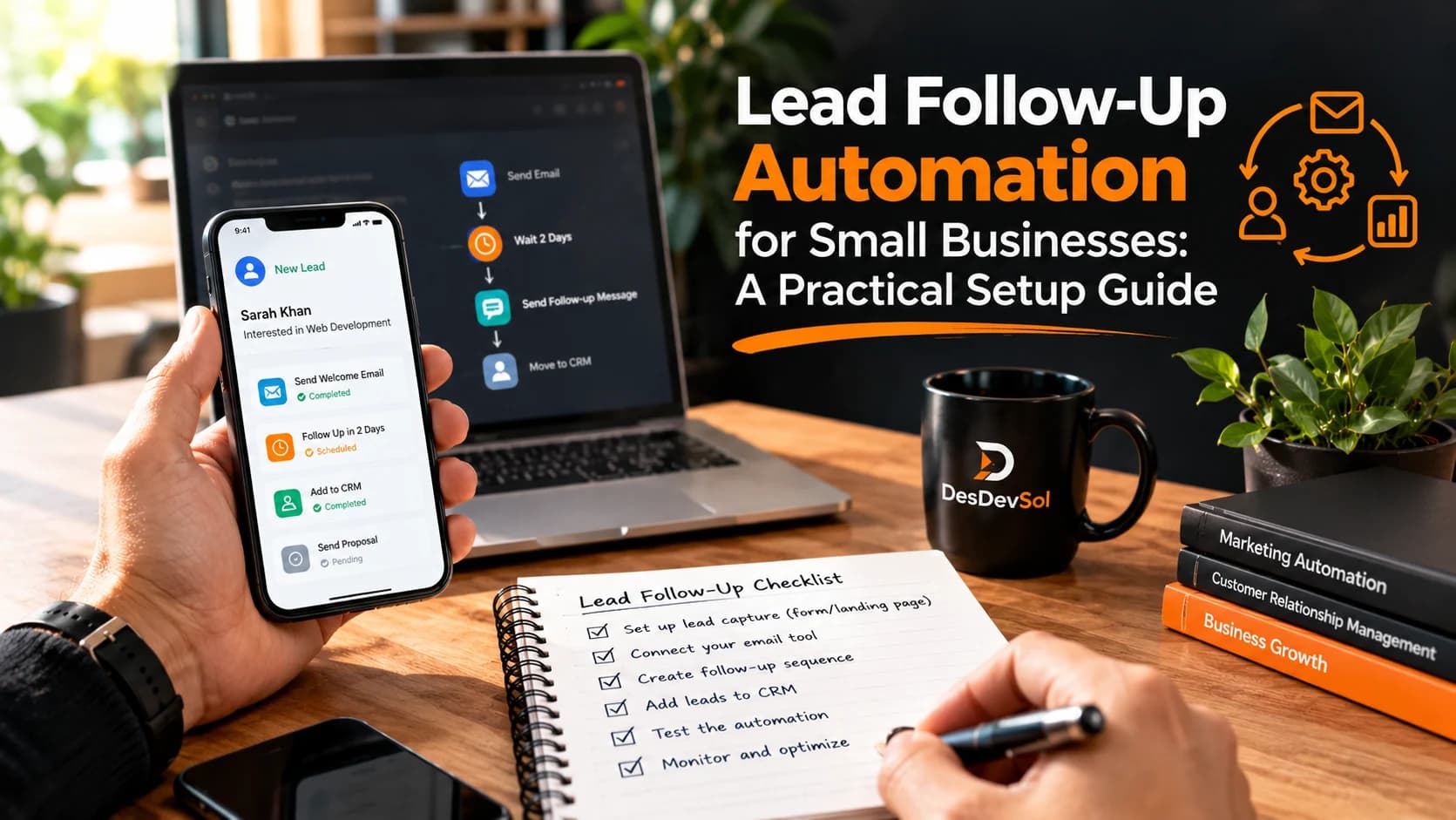
Lead follow-up automation helps a small team acknowledge enquiries promptly, assign them to the right person and remember the next step. It should not mean sending every prospect the same stream of messages. A useful system combines a fast first response with clear ownership, sensible timing and a reliable way to stop messages when someone replies.
Start by mapping where enquiries arrive
List every place a potential customer can contact you: website forms, quote requests, appointment bookings, email, phone and social messages. For each source, note where the information currently lands and who checks it. A form that creates a CRM record is useful only if the record reaches someone who can act. Choose one shared place to track enquiry status, even if some channels still require manual entry. Avoid buying another tool before you can explain the handoff.
Define what counts as a lead
Not every message should trigger a sales sequence. A job application, support request or supplier pitch may enter the same inbox as a quote enquiry. Write a simple rule for what qualifies as a new sales lead, what details are required and when staff should review an ambiguous request. Use fields such as source, requested service, preferred contact method and enquiry date. Collect only the information needed for a useful response, and handle personal data according to applicable privacy requirements.
Build one dependable first response
When someone submits a genuine enquiry, send a short acknowledgement that confirms it was received and explains the next step. For example: “Thanks for asking about a website redesign. We have your request and will review the details before contacting you.” Do not pretend that a person has reviewed it if nobody has. If a meeting can be booked directly, offer a clear scheduling option. An acknowledgement is not a substitute for a meaningful reply from the team.
Route enquiries to the right owner
Choose one owner for each lead. Routing might depend on the requested service, region served, existing customer relationship or current workload. Set a fallback owner when the normal assignee is unavailable. A useful rule is: if a new quote enquiry has no owner after a defined period, alert the team lead. Keep ownership visible in the CRM so two people do not unknowingly send competing responses.
Design a short, respectful follow-up sequence
Start with fewer steps than you think you need. An example for a service enquiry is an immediate acknowledgement, an assigned-person task on the same working day, a polite follow-up after two working days if there is no reply, and one final check-in later. Treat those intervals as a testable starting point, not a universal rule. A complex purchase may need longer gaps, while a time-sensitive booking may need a faster human response. Write each message around one helpful next action rather than repeated pressure to buy.
Stop automation when the conversation changes
This is one of the most important rules. Pause or end the sequence when a prospect replies, books a meeting, becomes a customer, asks not to be contacted or is marked unsuitable. Otherwise someone may receive “Are you still interested?” after accepting a proposal. The Mailchimp guide to automation flow settings explains how exit conditions and re-entry controls work in one common platform. Whatever software you choose, verify equivalent behavior rather than assuming it is enabled by default.
Prevent duplicate messages and bad data
A person might submit the same form twice or contact you through email after using a website form. Decide how to identify possible duplicate records, then review conflicting information rather than automatically deleting valuable conversation history. Ensure retries of failed integrations do not send the same acknowledgement repeatedly. Keep a record of message attempts, delivery failures and manual overrides so a staff member can understand what happened.
Respect contact preferences and email requirements
Distinguish between responding to a specific enquiry and sending ongoing promotional marketing. Permission and unsubscribe requirements vary by channel and jurisdiction. Record relevant consent, honor opt-outs promptly and avoid moving a person from one channel to another without an appropriate basis. If you send marketing email, check your provider's sender requirements, including authentication and unsubscribe support. Google's email sender guidelines are one useful technical reference, but they do not replace applicable law.
Connect systems only where the handoff is valuable
You may need a website form, CRM, shared inbox, calendar and email service to work together. Start with the handoff that currently causes the most missed enquiries. For example, a website form can create a CRM lead, assign an owner and send an internal alert. Add proposal or calendar integrations later if they remove a real bottleneck. An API integration can help systems exchange information, but the process should remain understandable to the people using it.
Test with real-world scenarios before launch
Use test contacts and run the complete flow from enquiry to closure. Check that a valid form submission creates one record, an incomplete submission is handled safely, the right owner receives the task and an acknowledgement goes out only once. Then test the awkward cases: a reply arrives just before the next scheduled message, a meeting is booked outside working hours, a contact opts out, an integration times out or the assigned staff member is away. Make sure the sequence stops or escalates as intended. Test with internal addresses rather than sending trial messages to actual prospects.
Measure service quality, not just email activity
Track a few operational measures: time to first meaningful response, share of enquiries assigned to an owner, unanswered leads past the agreed deadline, duplicate records and appointments booked from relevant enquiries. Review examples of replies as well as counts. A high number of automated emails can hide a poor experience. Compare results over consistent periods, and remember that changes in lead sources or enquiry quality can affect outcomes.
Give the team a way to intervene
Every automated lead should have a visible history and an obvious way to pause messages, reassign ownership or add a note. Document who maintains the workflow and how to recover from an outage. When a message fails, notify an owner rather than silently dropping the enquiry. Train staff to update lead status promptly; the best automation cannot respond correctly to a conversation that nobody records.
Launch small and improve deliberately
Begin with one enquiry source and a small set of internal test cases. Once the routing, acknowledgement and stop rules work reliably, enable the flow for real enquiries and review it regularly. Expand to more channels only when the first workflow is stable. If you need help connecting forms, CRM records and notifications, explore DesDevSol's business process automation solution.