

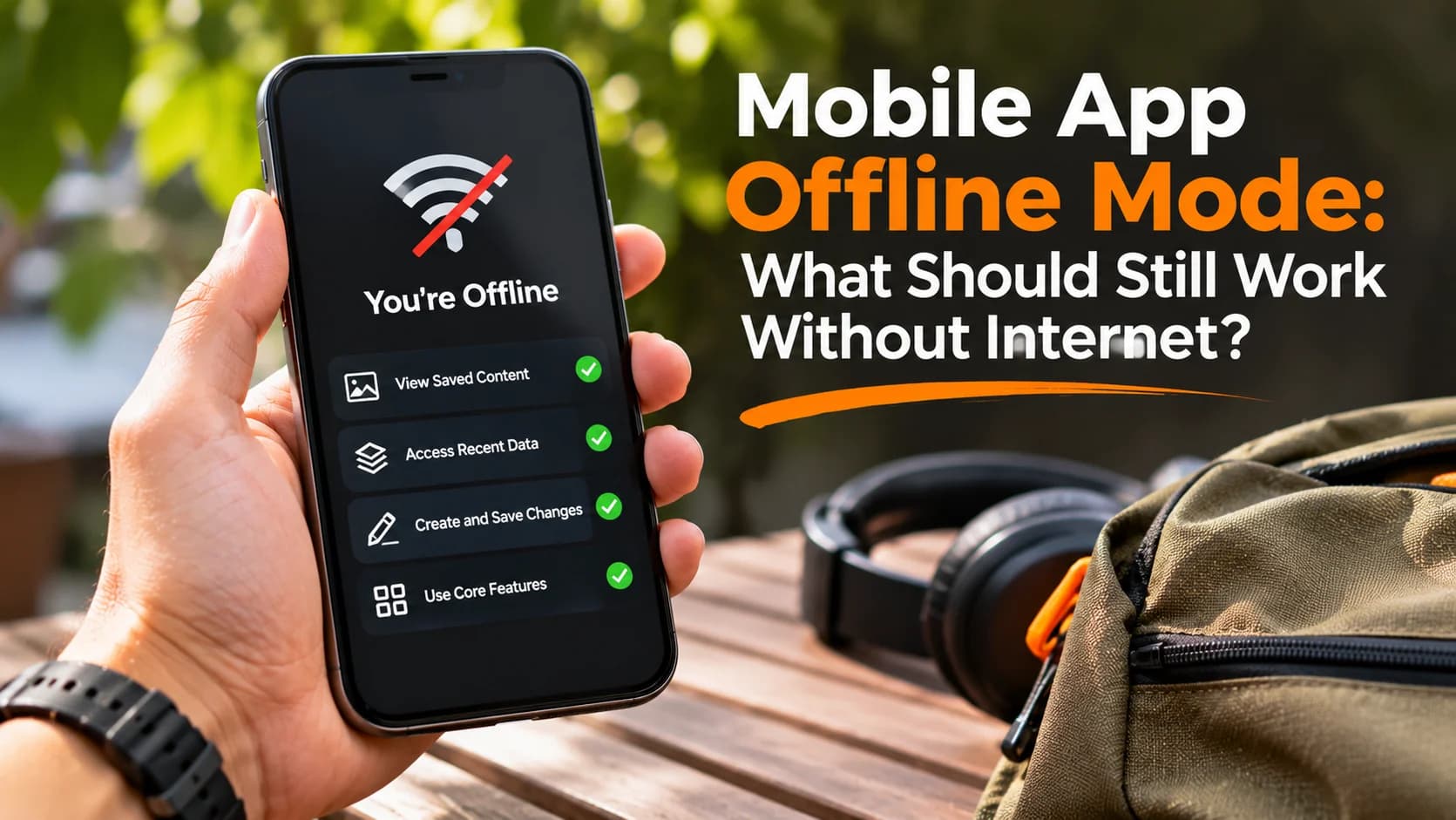
Mobile app offline mode is not just a technical feature. It is a promise about what people can still do when their connection drops. A delivery driver might need an address in a basement, a customer may need a saved ticket on a train, and a field worker may need to finish a form without signal. A useful offline experience tells people what is available, protects their work, and explains what happens when the connection returns.
Decide which tasks must work without internet
Start with the moments when a failed connection would interrupt the user's goal. List the app's important tasks and put each into one of three groups: available offline, viewable using previously saved information, or online-only. This keeps the scope realistic. An appointment app, for example, might show a saved booking confirmation offline while requiring a connection to change the appointment.
Do not promise that an action is complete when the server has not confirmed it. A payment, live inventory reservation or shared account change may require an online response even if the screen itself remains accessible. Android's offline-first architecture guidance recommends local data for critical reads and deliberate synchronization between device and network data.
Make offline status clear without interrupting every task
People should not have to guess whether the app is frozen. Use a brief status message such as “You're offline. Saved items are still available.” Show it near the affected content rather than covering the entire screen when other features still work. Pair icons with text; color alone is easy to miss.
Explain differences between “Saved on this device,” “Waiting to sync,” and “Updated across your account.” These messages represent different states and should not be interchangeable. Google’s offline design guidance emphasizes making downloadable content easy to find and showing when connectivity returns.
Protect user input before trying to reconnect
If users can type notes, complete inspections or fill out forms offline, save their input locally before showing success. When connectivity returns, upload pending changes in a controlled queue. Show the status of each item and allow recovery if an upload fails. Do not clear a form merely because a request timed out.
Consider a technician completing five inspection reports in a warehouse. The app could show “5 reports saved on this device; waiting to send.” When three upload successfully, the message should change to “3 sent, 2 waiting.” A generic “All done” message would be misleading.
Plan for conflicting edits
Two devices might change the same record before either reconnects. Decide which edits can merge safely and which need review. A simple last-change-wins rule may be acceptable for a personal display preference, but it could erase important changes to an order or shared document. For sensitive records, explain the conflict and provide a safe resolution process.
Design the screens people will actually see
A good mobile app offline mode includes more than one error screen. Consider the following states:
- Offline with saved content: show the available information and its last-updated time where freshness matters.
- Offline with no saved content: explain what requires a connection and provide a meaningful next step.
- Action queued: confirm the work is saved locally but not yet delivered.
- Sync failed: preserve the item and offer a retry or support path.
- Back online: show progress and a reliable completion confirmation.
Use plain language. “Your note is saved here and will upload when you're connected” is clearer than “Network transaction pending.” If content may be outdated, say so, especially for prices, schedules and other changing information.
Let users control downloads and storage
Offline files take space and sometimes mobile data. If people need maps, documents or media, show download sizes and progress, make saved items discoverable, and offer a way to remove them. Avoid automatically downloading large files without a clear reason. For private or regulated information, decide what may be stored on the device, how it is protected, and when it should expire.
Test weak connections, not only airplane mode
Airplane mode is useful but does not represent every failure. Test slow service, brief disconnections, repeated retries, switching between Wi-Fi and mobile data, and closing the app before a queued action completes. Also test a fresh installation with no cached data, a nearly full device, and two devices editing the same record.
For each test, check what the person sees, whether their input survives, and whether the server receives the action once rather than twice. An offline checkout or booking flow needs special care: repeated submissions must not create duplicate charges or reservations.
Build a small offline plan before development
Choose one essential journey first. Write down what information it needs, what can be stored locally, what requires server confirmation, what status messages appear, and how errors recover. This gives designers and developers a shared definition of “works offline” and helps avoid expensive assumptions later.
If you're planning an app that people will use in unreliable network conditions, DesDevSol's mobile application development team can help define an offline experience around the tasks that matter most to your users.