

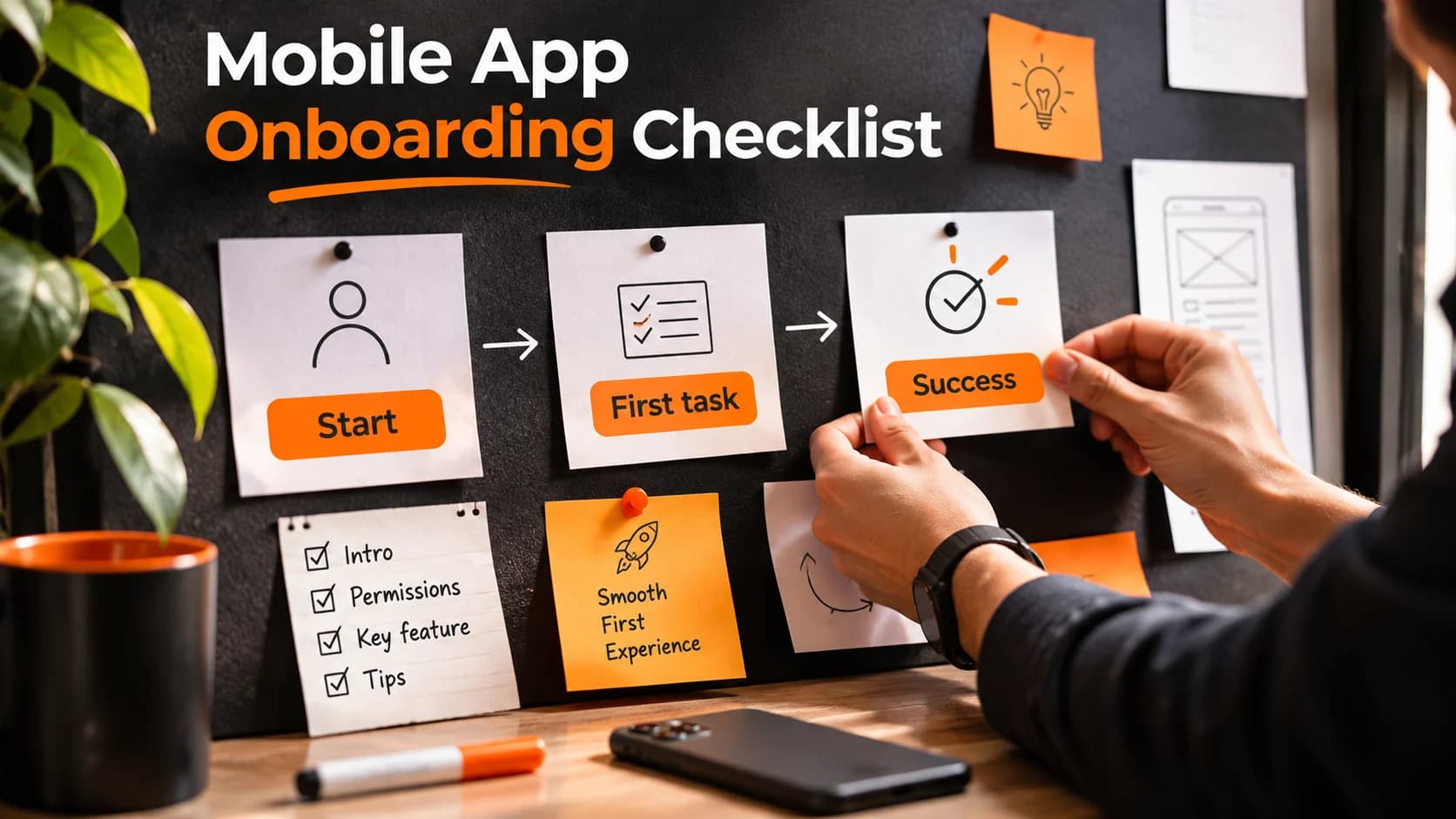
A mobile app onboarding checklist helps business owners spot the obstacles that prevent new users from getting started. A polished welcome screen is not enough: someone who installs your app should quickly understand what it does, complete one useful action and know how to return. That could mean booking a service, saving a product or creating a first project. Use the checks below before launch or when early users are dropping out.
Define the first useful action before designing screens
Write one sentence that describes what a new user should accomplish in their first session. For a booking app, that might be finding an available appointment. For a stock-management app, it might be adding the first item. This is your first-value action, not a tour-completion milestone. Ask whether every mandatory step helps the person reach it. If it does not, consider moving it later.
Map the actual journey from install to first value
Sketch the screens a first-time user will encounter: launch, welcome, account creation if necessary, initial setup and the first meaningful task. Note each tap, form field, wait and decision. A five-screen journey can still feel difficult if it asks for unfamiliar information or gives vague instructions. Walk through it on a real phone, without assuming the user knows your product terminology.
Make the opening screen explain the next step
The first usable screen should answer three questions: What can I do here? Where do I start? What happens when I tap? Use one prominent action with a concrete label such as “Find an appointment” rather than “Continue.” Keep secondary choices visible but quieter. If users can explore safely before registering, consider allowing it. If an account is essential, explain why and ask only for information needed at that point.
Keep onboarding brief, optional where possible and interactive
Avoid making people swipe through a slideshow of features before using the app. Show a tip when a feature becomes relevant, and let people dismiss it. Apple’s onboarding guidance recommends fast, optional learning experiences and context-specific tips. If your app teaches an unfamiliar task, let users practice it with safe sample data instead of memorizing instructions. Offer a way to reopen help later.
Delay setup that does not unlock the first task
A business app might eventually need a full company profile, preferences, team invitations and notification settings. It rarely needs all of them before the first useful action. Start with sensible defaults and ask for extra details at the moment they become useful. Some regulated or security-sensitive apps do need verification first; explain the reason and provide clear progress and recovery options rather than hiding the requirement.
Handle permissions with context, not surprise
If a feature needs camera, location or notifications, explain the benefit close to the action that requires it. Make it clear what still works when a permission is declined, where possible. Avoid bundling unrelated requests into the opening minute. Permission design deserves its own review; the goal here is simply to prevent the first-use journey from being interrupted by requests users cannot yet evaluate.
Make empty screens useful
A newly created account often contains no orders, projects, saved items or messages. A blank page can look broken. Add a plain-language explanation and one relevant action: “No projects yet — create your first project.” If useful, show a small example or illustration that makes the expected result clear. Do not fill empty states with decorative text that hides the next step.
Design for interruptions and mistakes
People switch apps, lose connectivity and enter information incorrectly. Save safe progress where appropriate, show which fields need attention and make error messages explain how to recover. A failed verification code should offer a clear resend path; a connection problem should not erase an entire form. Test the journey after closing and reopening the app, not only in one uninterrupted session.
Use navigation labels that match user goals
New users should not have to guess what a clever icon means. Prefer familiar words such as “Orders,” “Bookings” or “Account” over internal product language. Keep the main action reachable and provide a clear way back from secondary screens. When a feature is complex, reveal advanced options later rather than placing every control on the first screen. Nielsen Norman Group’s research on contextual help explains why guidance tied to the current task often works better than intrusive tours.
Check readability and accessibility from the start
Test text at larger device font settings, use clear contrast, label controls for screen readers and make tap targets comfortable. Never rely on color alone to explain errors or progress. Try the flow with a keyboard or assistive technology where applicable. An onboarding path that looks elegant at one screen size may become unusable when labels wrap or the keyboard covers the primary button.
Measure whether people actually reach value
Instrument a small set of events: first open, sign-up started, sign-up completed, first useful action started and first useful action completed. Measure the share of users who reach that action, where they stop and how long the journey takes. Segment carefully by app version and device type; do not treat a single number as proof of the cause. Protect privacy and avoid collecting unnecessary personal data just to analyze the funnel.
Test with people who have never seen the app
Give participants a realistic goal without explaining the interface: “Find a suitable appointment and save it,” for example. Watch where they hesitate, misread labels or give up. Ask what they expected to happen. Test both successful and unsuccessful paths, including slow connections and denied permissions. Fix the most serious blockers, then repeat the test with a fresh group rather than relying only on internal staff who already know the design.
A practical pre-launch review
Before releasing the app, verify that a first-time user can identify the primary action, finish it without unnecessary setup, recover from common errors, understand empty states and access help when needed. Confirm that the experience works on representative devices and with larger text. Finally, check that your analytics distinguish an installed app from a genuinely successful first session. This review is more useful than counting how many welcome slides look complete.
Build around the customer’s first success
The best onboarding flow is not necessarily the shortest. It is the one that helps the right person accomplish something meaningful without avoidable confusion. If you are planning a new app or revisiting a difficult first-use journey, DesDevSol’s app and platform development solution can help you define the journey before design and development begin.