

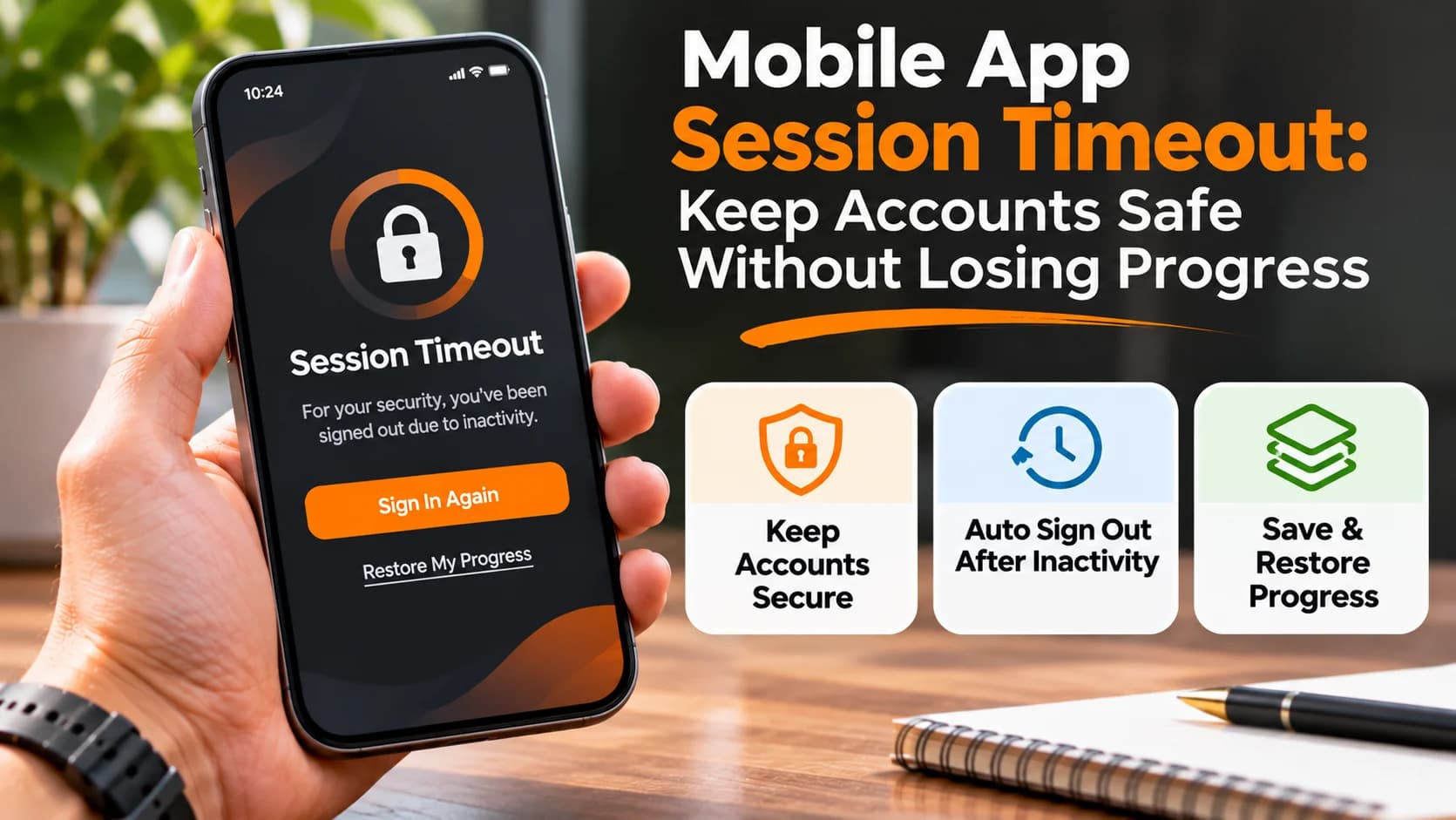
A mobile app session timeout can protect an account, but an unexpected sign-out can also interrupt a customer halfway through a task. The goal is not to keep everyone signed in forever. It is to match the level of protection to the action, explain what happened, and help people continue safely.
What does a mobile app session timeout mean?
A session is the period during which an app recognizes a signed-in user. An inactivity timeout ends access after a period without activity. An absolute timeout ends a session after a maximum lifetime even if the person stays active. A separate request for authentication before a sensitive action is often called step-up authentication.
These are different controls. A short idle timeout may suit an app handling sensitive financial information, while a shopping or appointment app may need a less disruptive experience. The right policy depends on the information exposed and what a person can do while signed in.
Decide where a sign-in check is really needed
Map the important journeys first: browsing, saving a draft, updating a delivery address, changing a password, and making a payment. Mark the actions that expose private information or make irreversible changes. A person reading a public help article should not face the same interruption as someone changing account security settings.
Consider device-level protections such as biometric or PIN reauthentication for sensitive steps where appropriate. They can make returning to a protected workflow easier, but they do not replace server-side session checks.
Explain expiration without blaming the user
When a session expires, say what happened and what to do next. For example: “Your session ended to protect your account. Sign in again to continue.” Avoid technical messages such as “401 unauthorized” or “invalid token.”
If an advance warning is suitable, show it while the session is still valid and give a clear choice to continue or sign out. A warning should never promise an extension that the server cannot provide. Some high-security actions should expire without an extension option.
Preserve unfinished work safely
Imagine someone completing a lengthy service request on a phone. If the session ends just before submission, losing every field creates avoidable frustration. Save non-sensitive draft information as the user works, with clear consent and retention rules. After successful reauthentication, restore only data the authenticated account is authorized to access.
Never preserve passwords, payment credentials or other secrets in an unprotected local draft. For transactions, check whether a request already completed before offering to submit it again. That prevents duplicate orders or payments after a sign-in interruption.
Keep session enforcement on the server
App screens alone cannot secure an expired session. The backend must reject expired or revoked credentials, including when a user returns through an old screen or a saved deep link. OWASP's session timeout testing guidance explains the need for server-side idle and absolute timeouts.
When someone logs out, invalidate the relevant server-side session or tokens and remove locally stored credentials as appropriate. OWASP's mobile authentication testing guidance also covers logout and secure token handling. Avoid relying on a client clock or a hidden screen to enforce expiration.
Test the complete interruption journey
Test ordinary tasks
Start a long form, leave the app idle, return after expiration, sign in, and confirm the safe portions of the form remain available. Repeat while switching apps, losing connectivity, and opening a notification or deep link.
Test sensitive tasks
Change a password, sign out, then try to reuse an earlier session or return to a protected screen. Confirm that the server denies unauthorized requests and that private data is not exposed in a cached view.
Test edge cases
Check multiple devices, clock changes, token refresh failures, expired password-reset links, and requests sent at the exact timeout boundary. Make sure the message distinguishes a network outage from an expired session, since the recovery steps differ.
Measure friction without weakening security
Track where reauthentication interrupts a task, whether users successfully resume, and whether duplicate submissions occur. Review support reports about unexpected sign-outs. Use these observations alongside a security risk assessment rather than simply extending every timeout.
If you are planning a mobile app or improving an existing one, DesDevSol's mobile application development service can help turn secure session rules into a clearer user journey.