

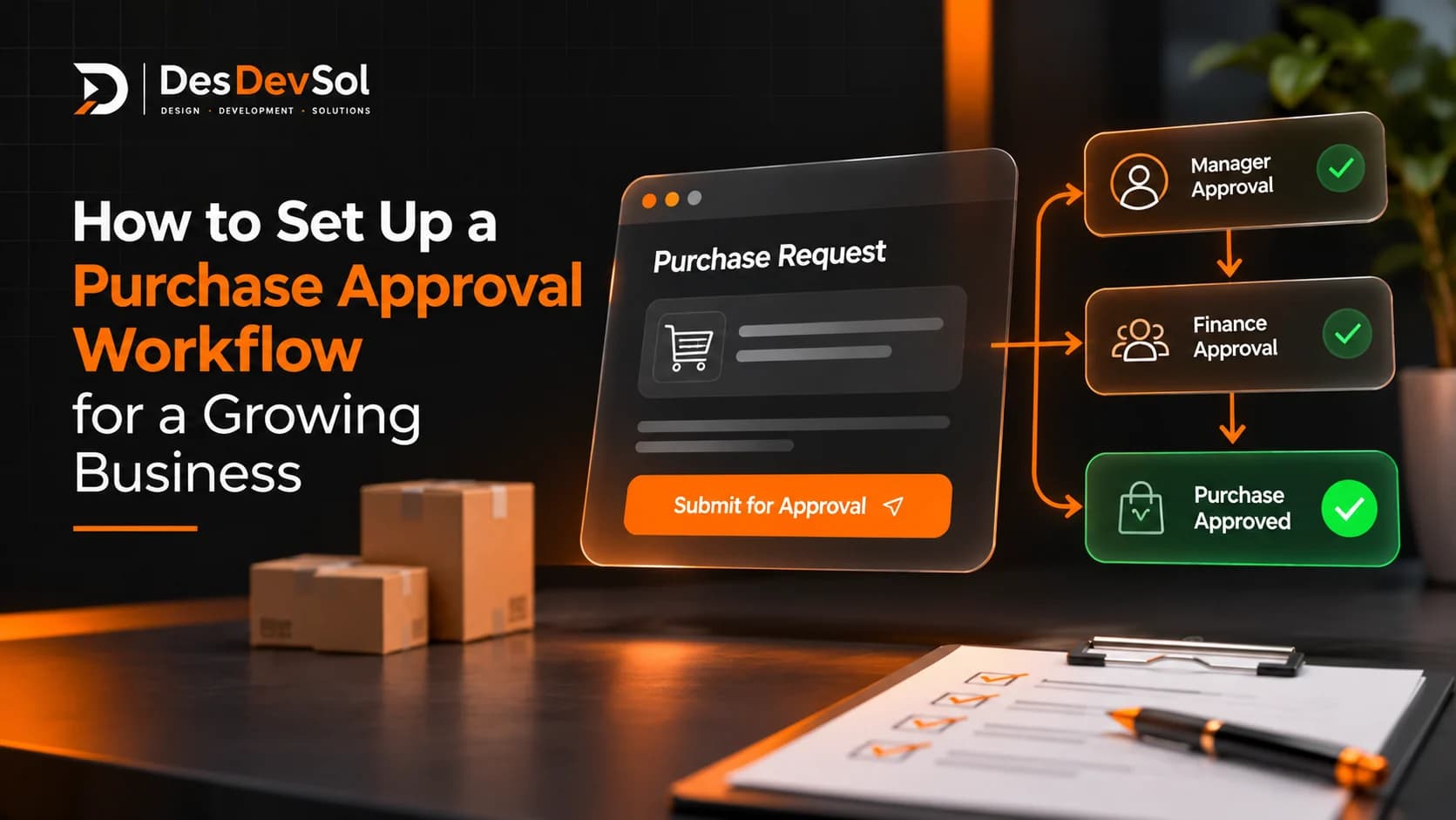
A purchase approval workflow sets out how a business requests, reviews, and authorizes spending before an order is placed. It answers practical questions: what information must a requester provide, who can approve the purchase, when is a second review needed, and what happens after approval?
When these decisions happen through scattered emails or chat messages, requests can sit unnoticed, staff may not know who has authority, and an order can be placed before the right checks are complete. Automating the process can help, but only after the rules are clear. Start by designing a process people can follow, then decide which steps software should handle.
What a purchase approval workflow should control
A purchase request is the internal request to buy something. A purchase order is the formal order sent to a supplier after the business has authorized the purchase. The two are related, but they are not the same step.
A useful workflow connects the request to a decision and then to the purchasing handoff. In a typical process:
- An employee submits a request with the item or service, supplier, estimated cost, business reason, and required date.
- The relevant manager or budget owner checks the request.
- Additional reviewers are involved when the amount, category, supplier, or risk requires it.
- The requester receives an approval, rejection, or request for more information.
- After approval, the authorized person or purchasing team creates and sends the purchase order.
- The business records receipt of the goods or completion of the service and keeps the related documents together.
The exact steps depend on the business. A small team may need only one approver for routine purchases, while a larger organization may need finance, department, or procurement reviews. The aim is not to add as many approvals as possible. It is to make sure each decision has a clear purpose and an accountable owner.
1. Map how purchasing works today
Before choosing software, follow a few real purchase requests from start to finish. Include an ordinary purchase, a higher-value purchase, and a request that was delayed or rejected. Note where each request begins, what information is collected, who reviews it, where supporting documents are stored, and how the supplier is contacted.
Look for recurring problems such as:
- Requests arriving through several channels with no shared record.
- Approvers receiving incomplete details and having to ask the same questions again.
- Staff being unsure which person can authorize a particular expense.
- Requests waiting because the assigned approver is unavailable.
- Orders being placed before approval is recorded.
- Approved requests not being connected to the final purchase order, delivery record, or invoice.
Write down the current process without trying to automate every exception immediately. This gives you a baseline and helps separate genuine control requirements from habits that have accumulated over time.
2. Define what every purchase request must include
Approval is difficult when reviewers have to chase basic information. Use one request form or intake method and ask for the details needed to make a decision. Depending on the purchase, this may include:
- What is being purchased and why it is needed.
- Quantity, estimated total cost, currency, and any recurring charges.
- Proposed supplier and whether the supplier is already approved.
- Department, project, or budget that will cover the cost.
- Required delivery or service date.
- Quotation, scope, contract, or other supporting document.
- Whether the purchase is urgent and what happens if it is delayed.
Make only the necessary fields mandatory. A request for routine office supplies should not require the same paperwork as a new software contract or a major equipment purchase. Conditional fields can collect extra information when a request crosses a value threshold or belongs to a higher-risk category.
3. Set approval limits and assign decision-makers
Document who can approve each type or level of spending. Your limits should reflect your budget, purchasing policy, and risk—not a generic threshold copied from another company.
A simple approval matrix might distinguish between routine department spending, purchases above a manager's authority, and commitments that require finance or senior management review. It should also explain:
- Approval authority: which role can authorize each purchase or spending range.
- Budget ownership: who confirms that funds are available and appropriate.
- Supplier checks: when a new or unusual supplier needs additional review.
- Separation of duties: when the requester should not be the person who gives final approval.
- Backup approvers: who takes over when the usual decision-maker is unavailable.
Assign approvals to roles where possible rather than relying only on one named employee. Keep the role assignments current when people change jobs. For sensitive purchases, define whether one authorized person is sufficient or whether more than one independent approval is required.
4. Choose the right approval sequence
Not every request needs to pass through several people in a fixed order. Use the simplest sequence that meets the business's control requirements.
Single approval
Use one decision-maker for low-risk purchases that sit within a clearly defined authority limit. This keeps routine requests moving without creating unnecessary handoffs.
Sequential approval
Use an ordered sequence when one review depends on another. For example, a department manager may confirm the business need before finance checks the budget. The next reviewer receives the request only after the previous step is complete.
Parallel approval
Use parallel reviews when several people can assess different aspects independently, such as finance checking the budget while IT reviews a technology purchase. Decide in advance whether every assigned reviewer must approve or whether one response is enough. These are different rules and should not be treated as interchangeable.
Microsoft's approval workflow documentation explains the difference between sequential approvals, first-to-respond decisions, and processes that wait for all assigned approvers. The same distinctions are useful when defining your own purchasing rules, regardless of the platform you use.
5. Design the exception paths before automating
A workflow should explain what happens when a request does not follow the normal route. At minimum, decide how to handle:
- Incomplete requests: return the request to the employee with the missing information identified.
- Rejected requests: record the reason and whether the requester may revise and resubmit.
- Budget or approval-limit exceptions: send the request to the person authorized to review the exception.
- Unavailable approvers: route the request to an approved backup after a defined period or under a documented delegation rule.
- Changed purchase details: send a material change in price, supplier, quantity, or scope back for the required review.
- Urgent purchases: define who can authorize them and what records must be completed afterward.
Do not let a reminder become an automatic approval. A request should move forward only when the required decision has actually been recorded. Keep the original request and its decision history so that staff can understand what was authorized.
6. Connect approval to the purchase order and records
Approval is not the end of the purchasing process. Once a request is authorized, the purchasing team needs a clear handoff: create the purchase order from the approved details, send it through the correct supplier channel, and retain the order reference.
When goods arrive or a service is completed, record what was received and flag differences. Before payment, the business may need to compare the purchase order, receipt, and supplier invoice. This helps identify an incorrect amount, an unapproved change, or an item that was never delivered.
Keep the request, approval decision, purchase order, supplier documents, and receipt information connected by a shared reference. SAP's purchase requisition workflow guide describes how an approved requisition can move into purchase-order creation and subsequent receiving steps. Your own process may be simpler, but the handoff should remain explicit.
7. Automate the stable parts of the process
Once the rules are agreed, identify the steps software can perform consistently. A practical first version might:
- Capture requests through a structured form.
- Check required fields and flag missing information.
- Route the request using its amount, category, department, or supplier status.
- Notify the assigned approver and send reminders for pending decisions.
- Record the decision, comments, reviewer, and time.
- Update the request status and notify the requester.
- Pass approved details to the purchasing or accounting system, where an integration is available.
Keep unusual cases visible to a person rather than hiding them inside complicated automation rules. Give authorized staff a way to correct errors, pause a request, or send it for additional review. Also decide which system owns the final purchase record so that two connected applications do not become competing sources of truth.
8. Test the workflow with real scenarios
Do not launch the process based only on a successful test of a routine request. Try different amounts, departments, suppliers, missing fields, rejected requests, unavailable approvers, and changes made after approval. Confirm that each scenario reaches the correct person and leaves a usable record.
Start with one department or purchase category. Ask requesters and approvers where the process is unclear, correct the rules, and expand only when the first version works reliably.
Measure whether the process is working
After launch, review a small set of useful measures:
- Approval cycle time: how long requests take from submission to final decision.
- Time waiting at each step: which review stage creates the longest delay.
- Incomplete request rate: how often requests are returned for missing details.
- Exception rate: how frequently purchases need a route outside the standard rules.
- Off-process purchases: whether employees are still placing orders without recorded approval.
Use these results to improve the process, not simply to pressure approvers to respond faster. A high return rate may mean the request form is unclear. Frequent exceptions may mean the approval matrix no longer reflects how the business operates.
Frequently asked questions
What is the difference between a purchase request and a purchase order?
A purchase request asks the business for permission to buy something. A purchase order is the formal document sent to the supplier after the purchase has been authorized. The approval workflow should connect the two so an order is not issued prematurely.
Should every purchase require approval?
Not necessarily. Routine, low-risk purchases may fit within a pre-approved budget or delegated spending limit. Define those limits clearly and reserve additional review for purchases that exceed them or carry greater financial, operational, or supplier risk.
Can a small business automate purchase approvals?
Yes. A small business can begin with a structured request form, a clear approver, notifications, and a central record. More advanced routing and accounting integrations can be added when the volume or complexity justifies them.
Build a process your team can actually follow
A reliable purchase approval workflow starts with clear request information, sensible spending authority, defined exception paths, and a traceable handoff to purchasing. Once those decisions are settled, automation can reduce repetitive follow-up while keeping important decisions with the right people.
If your purchasing approvals span multiple tools or require custom routing and integrations, DesDevSol's business process automation team can help you plan a workflow around the way your business operates.