

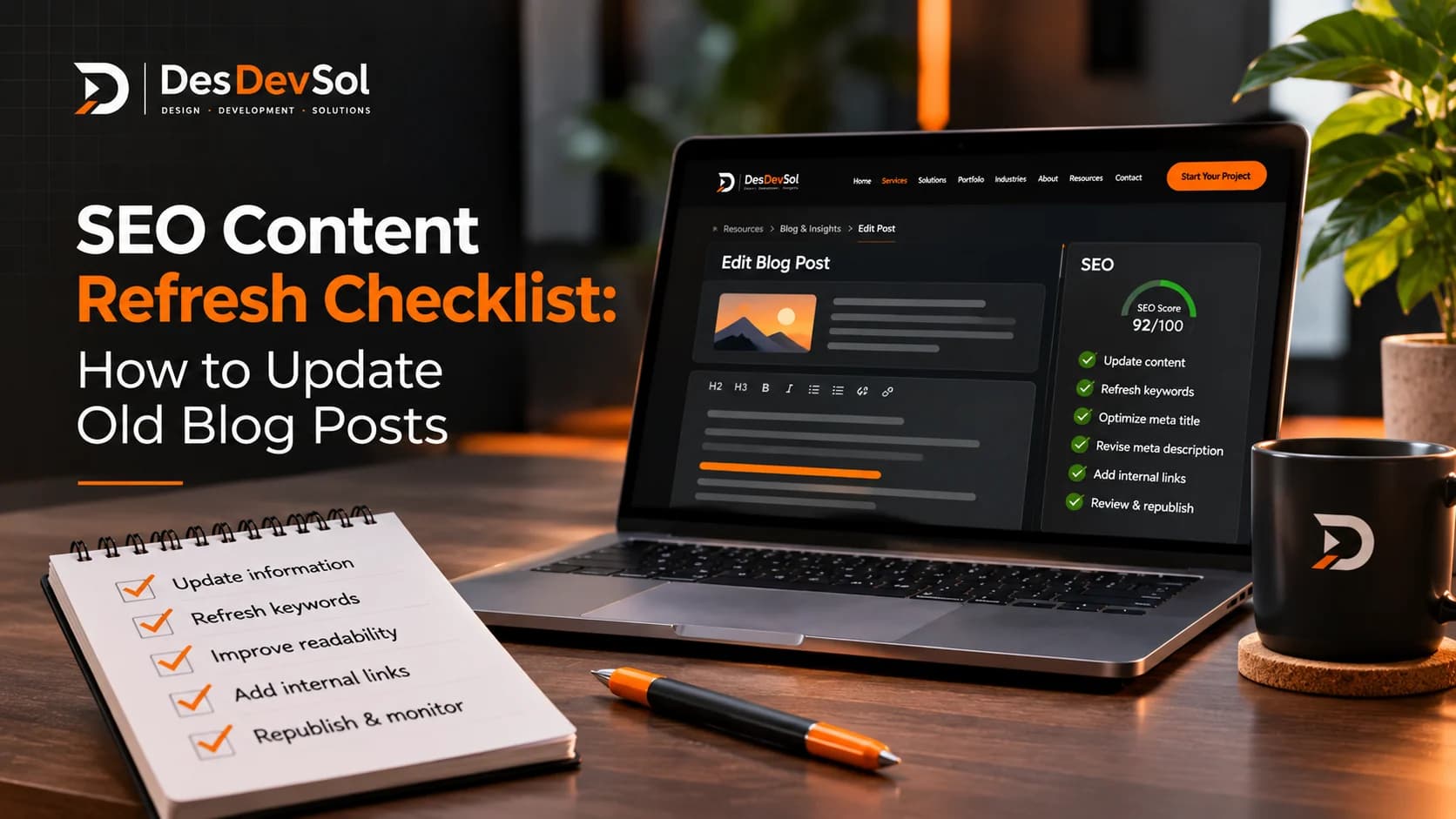
An SEO content refresh checklist helps you improve an existing article when its information is outdated, its search intent has shifted, or its organic performance has changed. Instead of rewriting every older post on a calendar, use evidence to decide which pages need attention and make changes that genuinely help readers.
A refresh is not simply changing a publication date or adding a few keywords. It means checking whether the page still answers the right question, correcting weak or outdated sections, and making it easier for people to find the information they need.
1. Choose the right pages to refresh
Start with a small group of existing articles rather than reviewing your entire site at once. In Google Search Console, open the Search results performance report and examine the Pages and Queries dimensions. Compare a recent period with an earlier period of similar length; where seasonality matters, also compare with the same period last year.
Look for patterns that suggest an article deserves investigation:
- Clicks have fallen: check whether impressions, average position, click-through rate, or several of these changed together.
- Impressions remain strong but clicks are weak: review the queries that show the page and whether its title and search snippet accurately communicate the value of the content.
- The page appears for unexpected queries: check whether the article clearly covers the topic people are searching for or has drifted away from its original purpose.
- The page still attracts useful visitors: protect what works. Improve specific weaknesses instead of replacing the article wholesale.
Search Console reports describe how your own site appears in Google Search. They do not tell you the total monthly search volume for a keyword, and a decline in clicks alone does not prove that content is outdated.
2. Diagnose the cause before editing
Before changing the article, identify the likely reason it needs work. Check the page's performance data alongside the current search results and the content itself.
- Outdated information: product features, platform instructions, prices, statistics, screenshots, or links no longer match the current situation.
- Incomplete answers: readers need a missing step, clearer explanation, useful example, or answer to a common follow-up question.
- Search intent has shifted: the results for the main query now answer a different or more specific question.
- Weak search presentation: the title or description is vague, repetitive, misleading, or less useful than the page itself.
- Technical obstacles: confirm that the page is accessible to search engines and has no unintended indexing directive or canonical issue before assuming the writing is the problem.
These causes require different fixes. A technical indexing problem will not be solved by adding paragraphs, and a useful article that has lost clicks does not automatically need a complete rewrite.
3. Check the article against today's search intent
Search the main query and a few relevant variations. Review the questions people ask and the types of pages appearing in the results. Use this as qualitative evidence of what searchers may expect, not as a measurement of search volume.
Ask yourself:
- Does the introduction answer the main question quickly?
- Are the key steps, definitions, or decisions missing?
- Do headings make the page easy to scan?
- Are competing results addressing a useful subtopic that your article overlooks?
- Would a reader be able to act on the advice without having to search again for basic details?
Do not add a section just because another page has it. Include a topic only when it helps your audience complete the task or understand the subject. Google's people-first content guidance is a useful standard: the article should provide a satisfying answer for its intended readers, not exist merely to attract search traffic.
4. Update the substance, not just the date
Work through the article section by section. Keep accurate material that still helps, and make targeted improvements where the evidence shows a gap.
Correct facts and instructions
Verify dates, product names, platform steps, statistics, and claims that may have changed. Replace broken or obsolete references with reliable current sources. If you cannot verify a claim, remove it or qualify it rather than presenting it as certain.
Make the advice more practical
Add a clear example, decision rule, troubleshooting step, or explanation where it makes the advice easier to use. Break up dense paragraphs and replace vague wording with specific instructions. Remove repetition and sections that no longer contribute to the reader's goal.
Improve titles and descriptions where needed
Write a distinctive title that describes the actual page and gives readers a clear reason to open it. Keep the meta description accurate and useful. Include the main topic naturally, but avoid repeated keyword variations or promises the article cannot fulfil. Google may generate a different title link or snippet from page content when it considers another presentation more relevant to a query.
5. Strengthen useful internal links
Review links from the article to relevant service pages and other published resources. Add a link only when it gives readers a useful next step or explains a related concept. Use descriptive anchor text that tells readers what they will find, and check that each destination works.
Also look for other relevant pages on your own site that should link to the refreshed article. Avoid inserting links solely to reach a target link count, and never link to unpublished draft URLs.
6. Keep the URL stable unless a change is necessary
When refreshing an established article, normally keep its existing URL. Changing the slug can break bookmarks and incoming links unless the old address is redirected correctly. If a URL change is genuinely needed, plan and test a permanent redirect, update internal links, and check the new destination.
Change the visible publication or update date only when the article has actually been published or meaningfully revised and the date is accurate. A date change alone is not a substitute for useful work.
7. Check the finished page before and after publishing
Use this final checklist before the updated article goes live:
- Every factual claim and time-sensitive instruction has been checked.
- The introduction, headings, and conclusion match the page's purpose.
- The title and meta description are accurate and distinct from other pages.
- Internal and external links work and lead to relevant destinations.
- Images have appropriate alternative text, and the page remains readable on mobile.
- The intended URL, canonical, and indexing settings are correct.
- The article does not repeat another page so closely that both serve the same purpose.
After publishing, record what changed and monitor clicks, impressions, click-through rate, and average position for the relevant page and queries. Allow time for search engines to recrawl and reassess the page, and account for seasonality or other changes before drawing conclusions. A refresh can improve usefulness without guaranteeing a ranking increase.
How often should you refresh old blog posts?
There is no universal schedule that fits every article. Review important content periodically, then prioritize updates when facts become outdated, search intent changes, or performance data points to a problem. Stable reference material may need little attention, while articles about changing tools or policies may require more frequent checks.
The goal is not to keep every page looking new. It is to keep useful pages accurate, relevant, accessible, and worth a reader's time.
Make your next content update count
Choose one article with a clear reason for improvement, record its current performance, and work through this checklist before editing. If you need help prioritizing organic search opportunities across your site, explore DesDevSol's SEO services.