

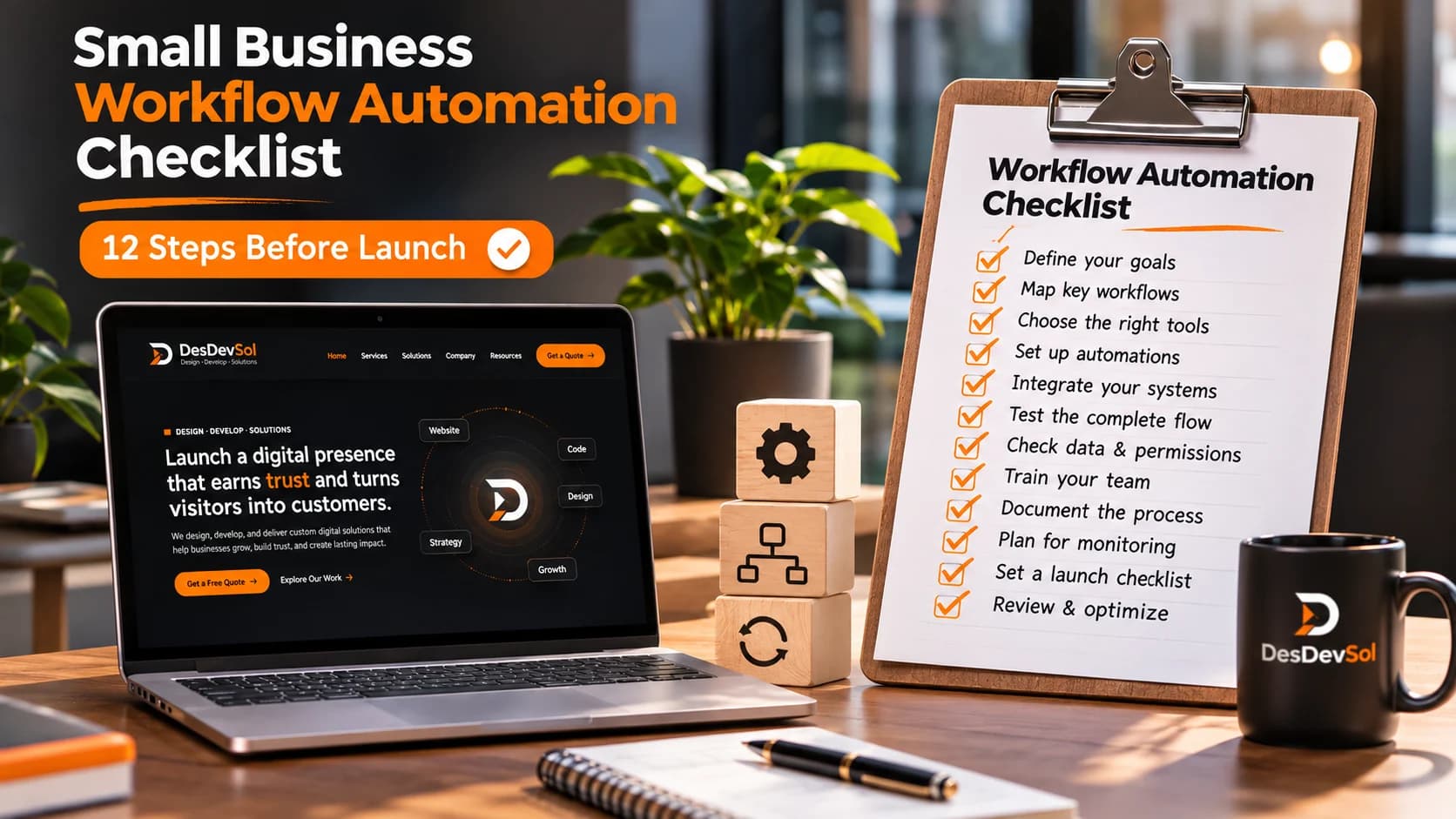
Automating recurring work can free a team from repetitive data entry, but a poorly designed workflow can send duplicate invoices, silently lose customer requests, or move sensitive information to the wrong place. Before choosing software, document the business process, the people responsible, and the conditions under which automation should stop. This practical checklist helps business owners plan their first reliable automation without treating every repetitive task as a technology problem.
1. Choose a narrow process with a clear outcome
Start with one recurring task: moving approved leads into a CRM, notifying sales when a form is submitted, or creating a follow-up task after a support ticket changes status. Write a plain-language success condition. For example, every valid website enquiry should be assigned to the correct team exactly once and receive an acknowledgement. Avoid starting with an entire department. Small, measurable boundaries make it easier to find errors and demonstrate usefulness without inventing productivity gains.
2. Map the existing process before automating it
Interview the people who actually do the work. Identify its trigger, required data, decisions, exceptions, approvals, and final output. Draw the steps from start to finish, including rework when information is missing. Record which steps are manual by necessity and which are repetitive. Automating a confusing process can make confusion happen faster. A short process map also becomes the basis for acceptance tests and staff training.
3. Decide what data the workflow needs
List the minimum fields needed at every step. A lead-routing flow might require contact information, service interest, region, and consent preferences. Define required formats and rules for missing values. Decide where the authoritative record lives and what happens if two systems disagree. Restrict the workflow to the data it actually needs; collecting extra customer information increases management and privacy obligations without improving the process.
4. Set approvals and human checkpoints
Not every action should happen automatically. Low-risk steps, such as assigning a support queue or sending an internal reminder, may run unattended. High-impact steps involving payments, refunds, contract changes, or customer account deletion deserve explicit authorization and clear ownership. Put approvals near the action they protect. A useful design records who approved, when, and what was approved, while allowing work to resume rather than restart from the beginning.
5. Make integrations and credentials maintainable
Prefer documented APIs and supported connectors over brittle screen scraping. Use service identities where supported, grant only the permissions required, and keep secrets outside workflow definitions and source repositories. Define who maintains tokens and what happens when access expires. If multiple systems are involved, confirm that data mappings and event timestamps are interpreted consistently. DesDevSol's API integrations service is relevant when existing platforms need to exchange information reliably.
6. Prevent duplicate actions
A webhook, message queue, or scheduled job may deliver the same event more than once. Design important writes to be idempotent: repeating the same request should not create a second customer, charge a second payment, or send duplicate fulfilment instructions. Use a stable event or request identifier and record whether it has already been processed. Google's Eventarc guidance on retries and idempotent handlers explains why duplicate deliveries are a normal consideration in event-driven systems.
7. Handle errors and retries deliberately
Different failures need different responses. A temporary connection problem can be retried with backoff; invalid input usually requires correction; a revoked credential requires an operator. Set retry limits so an outage does not cause endless requests or duplicated work. Create a safe failure state and send actionable alerts with the affected record and step, without exposing passwords or personal data. Microsoft recommends structured error handling, retries, and notifications for automation flows; see its error-handling guidance.
8. Keep an audit trail without overcollecting
Record each run's start, outcome, processing stage, and a reference to the relevant business record. For actions that change customer or financial data, log the type of change and the responsible system or authorized person. Apply retention and access controls to logs because they may themselves contain sensitive information. A dashboard that shows successful, pending, retried, and failed work is more useful than an automation that silently stops.
9. Test realistic edge cases
A demo with perfect sample data is not enough. Test incomplete submissions, duplicate events, rate limits, disconnected services, empty queues, staff absences, wrong time zones, and simultaneous requests. Verify what the flow does after a partial failure, especially when one system succeeded and another did not. Run tests in a safe environment where possible. Before launch, give the business owner a short checklist of expected behavior and clear evidence of each result.
10. Plan ownership and maintenance
Assign an owner for each automation and document its purpose, dependencies, service accounts, escalation contacts, and rollback steps. Keep a short change log. Review it when software vendors modify APIs, fields, pricing, or permissions. For growing teams, business process automation planning can connect these operational decisions to the broader business goals rather than treating each flow as an isolated script.
11. Build a sensible implementation sequence
Use four stages: discover the workflow and its risks; build a minimal version with controlled inputs; validate behavior and error cases; then launch with monitoring. Introduce one workflow at a time so staff can compare actual results with the documented process. Define when the automation should be paused and how work can be completed manually if a critical dependency is unavailable.
12. Know when a custom application is justified
Simple approvals or notifications may fit an existing automation platform. A process with complex rules, multiple departments, high transaction volume, or deep integrations may need a purpose-built application with clear roles and data models. Compare support needs and long-term maintenance, not just the initial implementation. Explore web application development or custom software development when off-the-shelf tools cannot represent the workflow safely.
A practical pre-launch checklist
Before enabling a live flow, verify that its business owner is identified, all triggers and required data are documented, permissions are least-privileged, duplicates are handled, retries are bounded, alerts have recipients, logs contain no unnecessary secrets, staff know the manual fallback, and realistic test cases have passed. Confirm that customer-facing communications use appropriate wording and that every approval point matches the organization’s operating policy.
Next steps for your business
Pick one task that occurs frequently and has clear inputs and outputs. Ask the person responsible to walk through a recent example while you document decisions and exceptions. Build a pilot that proves the workflow handles both success and failure. Once it behaves reliably, expand to the next problem instead of rushing into a large untested automation initiative. For planning and delivery support, talk to DesDevSol about creating a maintainable process automation roadmap.