

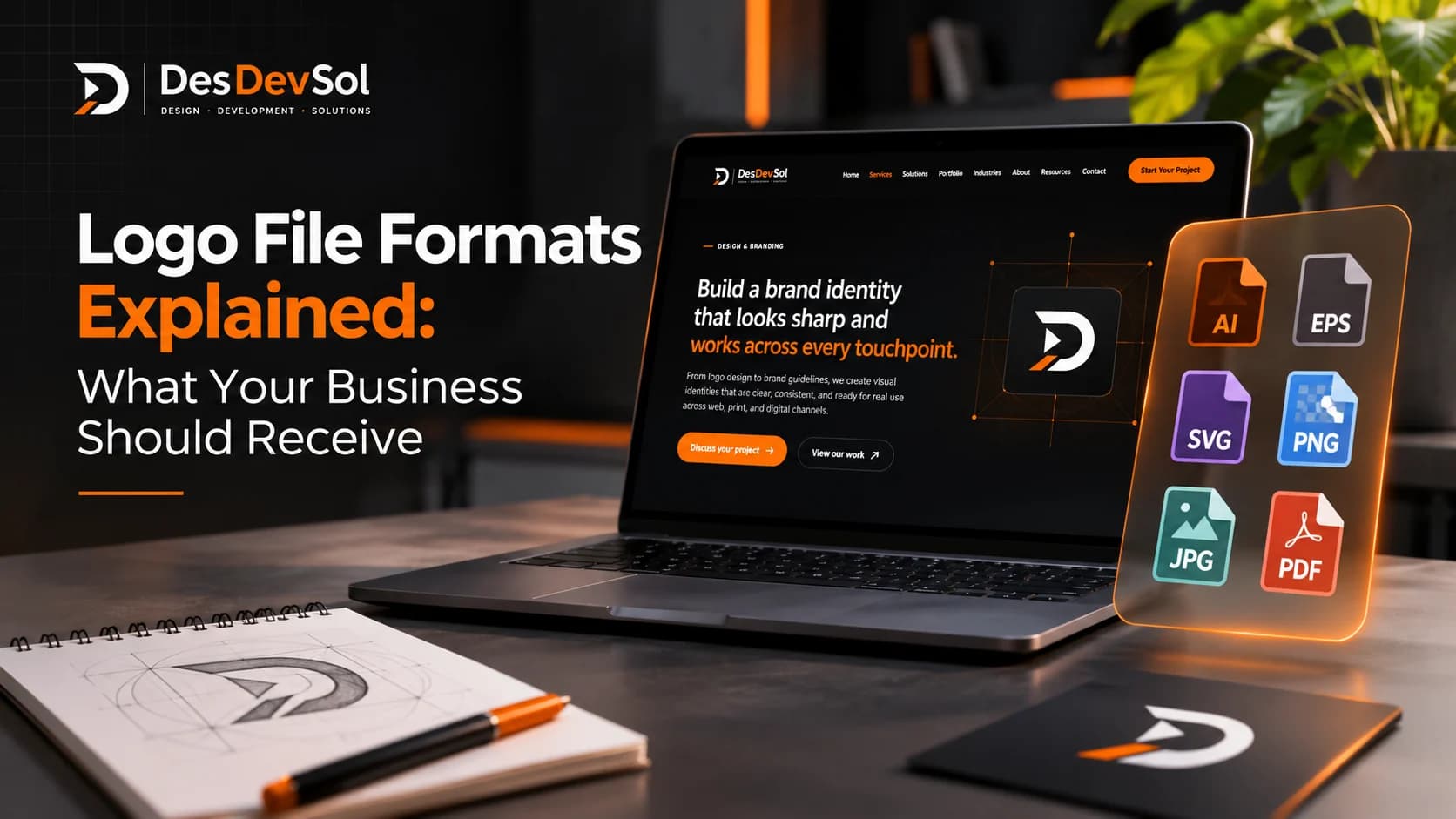
Choosing the right logo file formats helps your brand look clear on a website, social profile, proposal, sign or printed package. If a designer sends only one image, you may find that it looks blurry when enlarged, has an unwanted background, or cannot be used by a printer. A useful logo handoff gives your business the right formats for the places you actually use the mark.
This guide explains what to request, what each file is for, and how to check the handoff before you consider a logo project complete.
Why one logo file is rarely enough
Different uses have different technical needs. A website may need a compact logo that loads quickly, while a large sign needs artwork that stays sharp at a much bigger size. A social platform may accept a PNG but reject an SVG. A printer may ask for a print-ready PDF or a specific production format.
The key distinction is between vector artwork and raster images. Vector artwork is described using shapes and paths, so it can usually scale without becoming pixelated. Raster images are made of pixels; they work well at their intended size but can look soft when enlarged too far. Adobe's guide to raster and vector files explains the practical differences.
Which logo file formats should you request?
1. SVG for many digital uses
SVG is a vector format that keeps logo edges crisp at different sizes. It is useful for many websites and digital design workflows, particularly when the logo needs to adapt to different screen sizes. It can also support transparent backgrounds.
SVG is not accepted by every platform or content tool, and some systems restrict uploaded SVG files for security reasons. Ask for it as part of the package, but do not rely on it as the only deliverable.
2. PNG with a transparent background
A transparent PNG is a practical everyday file for social graphics, presentations, documents and tools that do not accept vector artwork. The transparent background lets the logo sit on a coloured block or photograph without a white rectangle around it. Canva's file-format guide describes PNG transparency and SVG export options.
Request PNG exports large enough for their intended use, including a version for light backgrounds and a reversed or light version for dark backgrounds if your identity needs both. Do not assume that a small image downloaded from a website will remain sharp on a banner or large print.
3. PDF for print and sharing
A print-ready PDF is commonly useful for business cards, brochures, signage and other production work. However, a PDF can contain vector artwork, raster images, or a mixture of both. Ask the designer to confirm that the logo remains vector where required and to prepare the file to the printer's specifications.
Printers may request particular page dimensions, colour settings, bleed or other production details. Confirm these requirements with the chosen printer rather than assuming one export setting suits every job.
4. AI, EPS or another editable source file when agreed
An editable source file can help a future designer make controlled changes without rebuilding the logo from scratch. The appropriate format depends on the software and production workflow used to create it. Discuss source files before the project begins, because they may be treated differently from final exported assets in a designer's deliverables.
Also confirm the agreed usage rights, ownership or licence terms in writing. Receiving a file and having permission to use or modify it are related but separate questions.
5. JPG only when a solid background is acceptable
JPG can be useful when a logo is placed on a fixed background in a document or image. It does not support transparency, and its compression can soften sharp edges. It should not be the only logo format you receive.
Ask for the useful logo variations too
Formats are only part of a complete handoff. Ask which approved variations are included and when to use each one:
- Primary logo: the standard version for general use.
- Compact or stacked version: for narrow headers or square spaces, if the design needs one.
- Symbol or icon: for small spaces such as a profile image or app icon, when a symbol exists.
- Light and dark versions: so the mark remains visible on approved backgrounds.
- One-colour version: for uses where colour printing is unavailable or unsuitable.
These should be deliberate versions, not a collection of unapproved recolours. Ask the designer to label the files clearly so your team can identify the right one without guessing.
Get the colour and typography details
Request a short reference sheet containing the approved brand colours and their relevant values, such as HEX or RGB for digital use and print specifications agreed with your designer or printer. Colour can vary between screens and print processes, so a code alone cannot guarantee an exact physical match.
Ask for the names of the typefaces used and any licensing or access details your business needs. If the logo contains custom lettering, clarify whether it is outlined artwork or depends on a font file. Do not distribute font files unless the licence permits it.
A practical logo handoff checklist
Before approving the final delivery, check each item that applies to your project:
- Vector artwork supplied in an agreed format, such as SVG or an appropriate editable source file.
- Transparent PNG exports at useful sizes.
- A print-ready PDF prepared for the intended production process.
- Approved primary, compact, light, dark and one-colour variations where needed.
- Clear filenames that describe the version and intended use.
- A colour reference sheet and typeface details.
- Written confirmation of the agreed usage rights, source-file delivery and any restrictions.
- A clear folder containing final approved assets, separate from concepts and rejected versions.
You do not need every possible format or variation for every business. A company that only uses a logo on a simple website may need a smaller package than a retailer producing packaging, labels, signage and promotional materials. Match the handoff to real use cases.
Test the files before you archive them
Open the files and check that they are not corrupted, that transparent versions really have transparent backgrounds, and that the correct colour and logo variation appears. Place the logo on a light and a dark background, view it at a small size, and inspect a larger version for unwanted pixelation. If print is important, ask the printer to confirm the file is suitable before a large production run.
Store the approved package in a shared location with a clear folder name and a backup. Keep one version marked as the current master, and move outdated exports out of the everyday-use folder so they are not accidentally reused.
How logo files fit into your wider brand system
A logo package gives your team the assets; brand guidelines explain how to use them consistently. If your business also needs rules for colour, typography, imagery and templates, see our brand style guide checklist for small businesses.
Before signing off, compare the delivered files with the actual places your brand will appear. If you need help creating a logo and a practical set of usable brand assets, explore DesDevSol's logo design service.